Late fees are often caused by timing rather than a complete lack of money. Rent is due on one date, a card payment on another, utilities later in the month, and subscriptions may renew on dates you barely notice. When all those dates live in different emails and apps, it is easy to miss one.
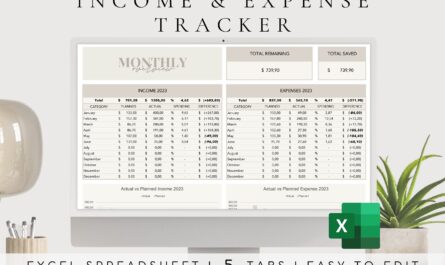
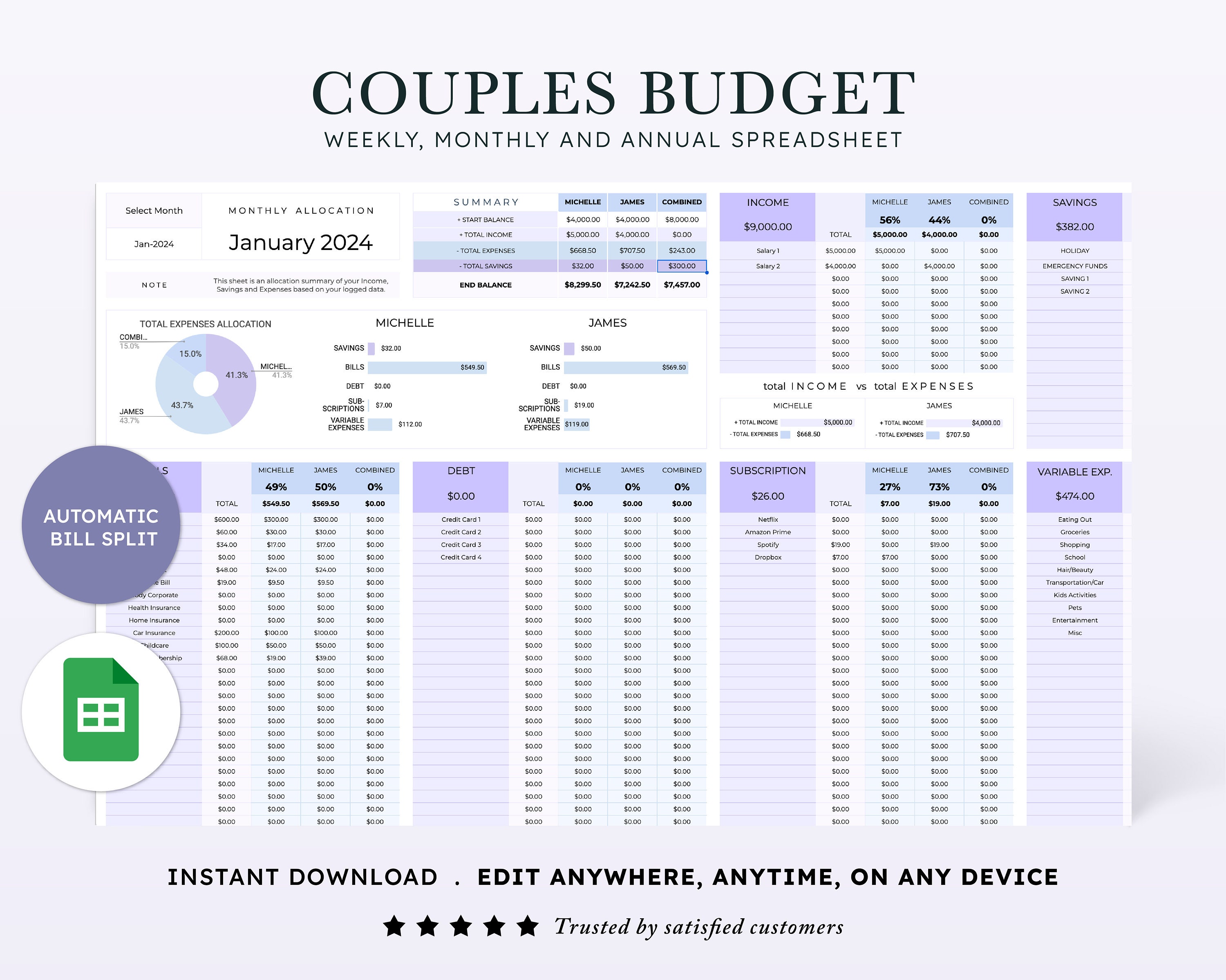
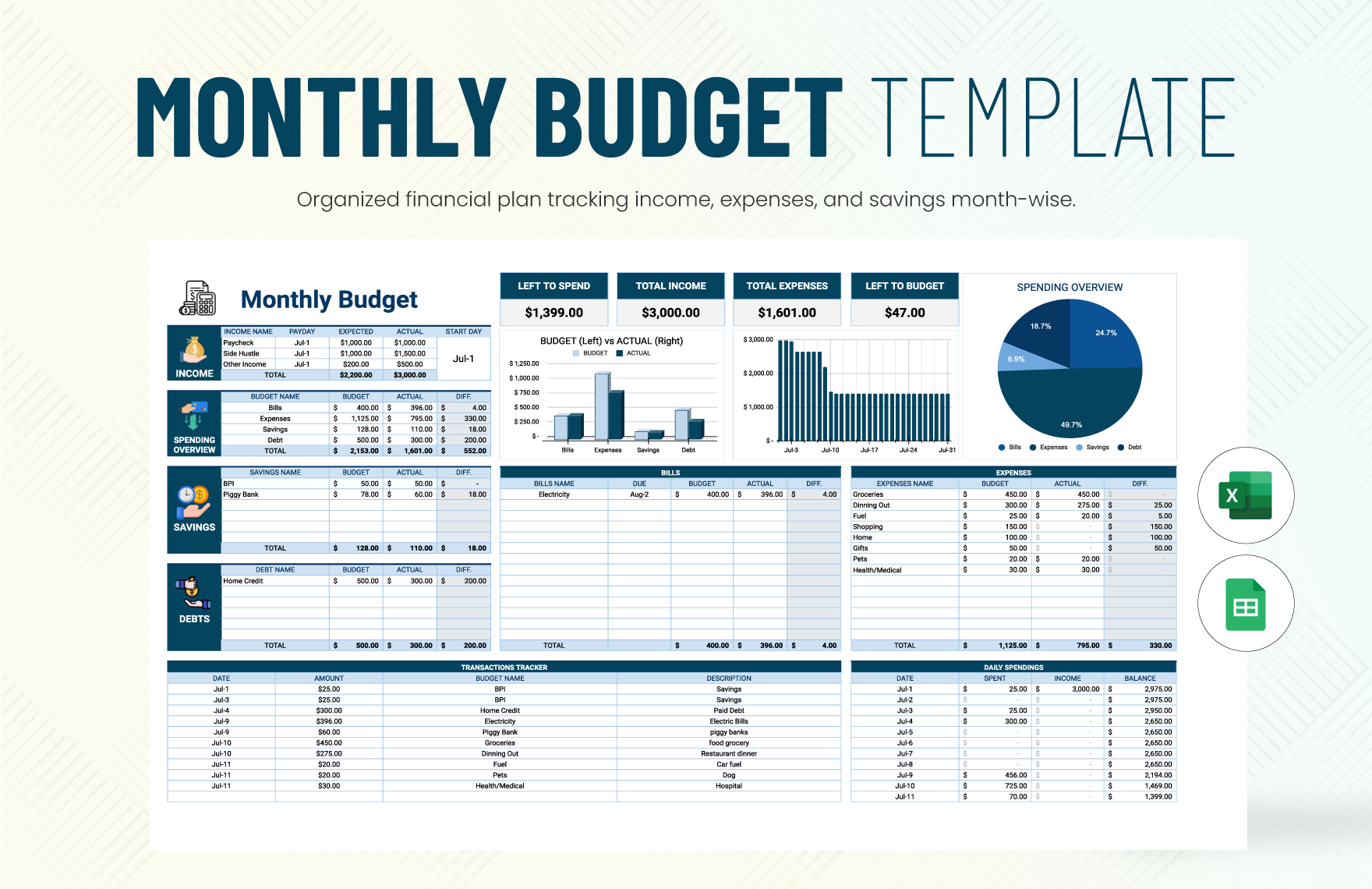
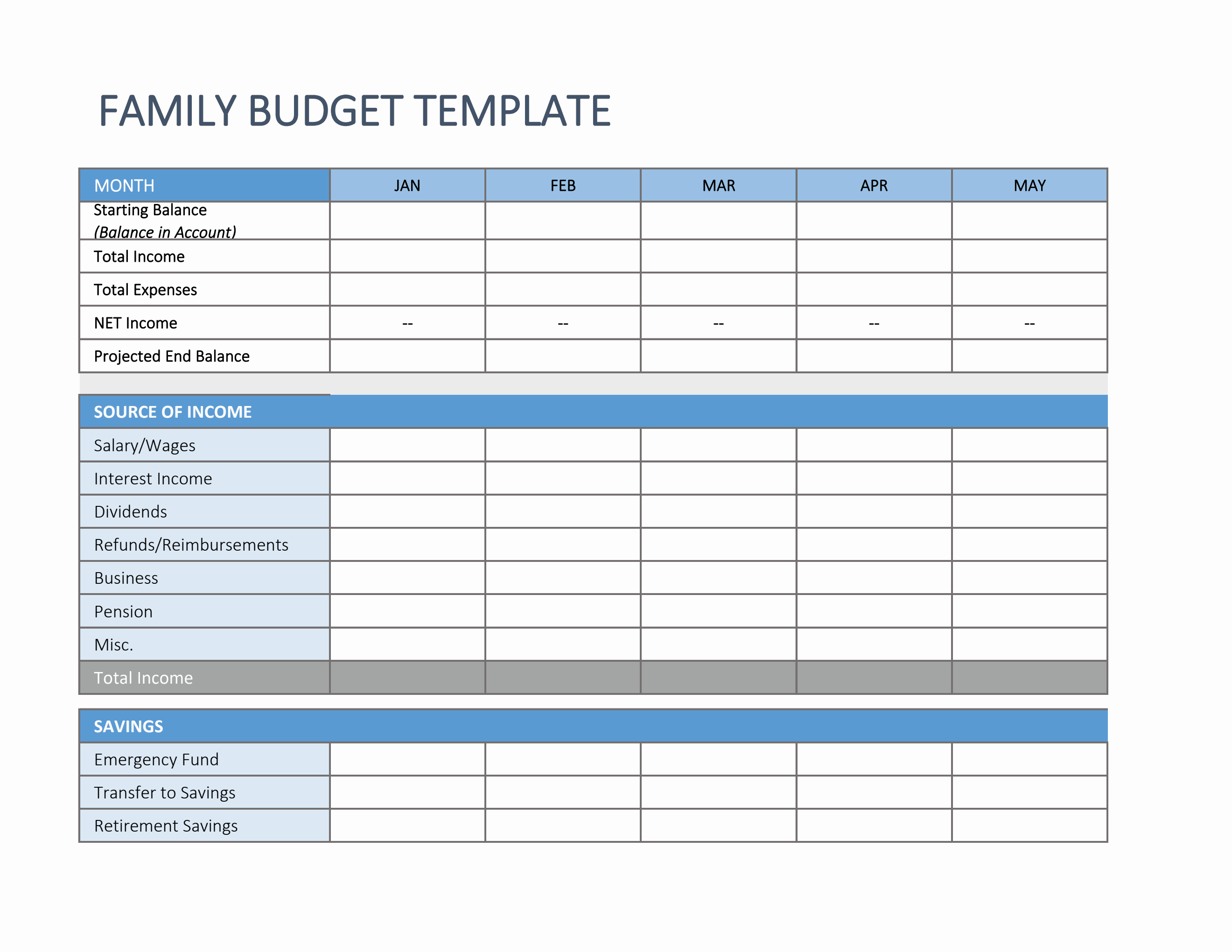
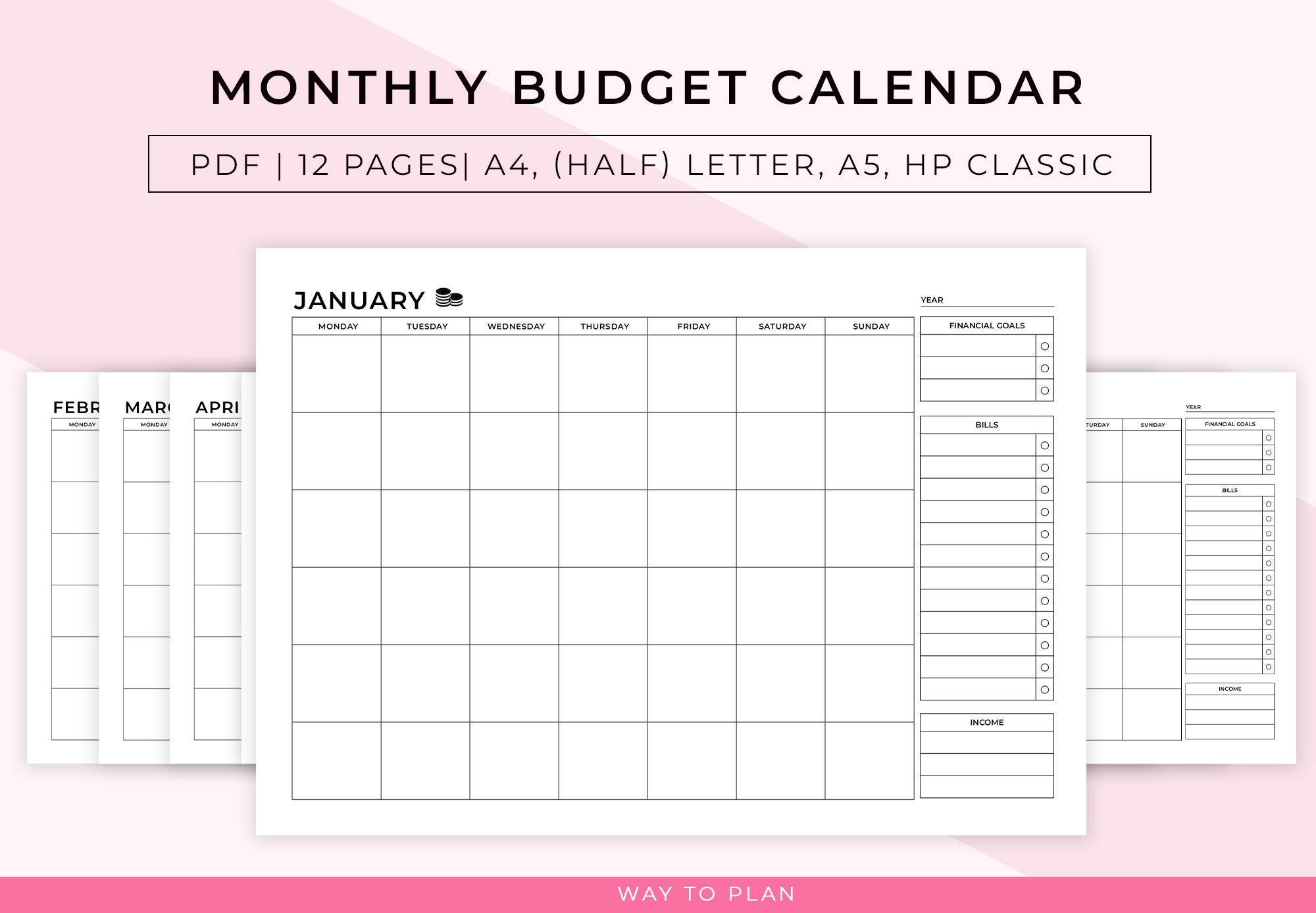
This guide explains how to build a bill calendar using a simple paper calendar, spreadsheet, notes app, or basic digital calendar. The goal is to see what you owe, when it is due, which paycheck will cover it, and how much money must stay untouched for upcoming obligations.
The Consumer Financial Protection Bureau recommends a bill calendar as a way to understand monthly obligations and cash-flow timing. Its official bill calendar guidance provides a useful starting point.
Why a Bill Calendar Works
A budget tells you how much you plan to spend in a category. A bill calendar tells you when the money has to leave your account.
You can have enough monthly income and still run short on the 10th if too many bills fall before the second paycheck. The calendar reveals these timing problems.
Step 1: Gather Every Recurring Bill
Start with bank and credit-card statements from the last two or three months.
List
- Rent or mortgage
- Electricity
- Gas
- Water
- Internet
- Phone
- Insurance
- Car payment
- Credit cards
- Student or personal loans
- Childcare
- Subscriptions
- Memberships
- Medical payment plans
Do not rely on memory. Small automatic renewals are easy to forget.
Step 2: Write the Exact Due Date
For each bill, record the due date shown on the statement or contract.
Also record when automatic payments are actually withdrawn. A payment may be “due” on the 15th but drafted on the 13th.
Step 3: Add Expected Amounts
For fixed bills, enter the normal amount. For variable bills, use a conservative estimate based on recent history.
You can write a range for utilities, such as $90–$130, and budget toward the higher end during expensive seasons.
Step 4: Mark Your Paydays
Add every expected paycheck to the same calendar.
This turns the calendar from a list of bills into a cash-flow map.
If you are paid every two weeks, our biweekly paycheck budgeting guide explains how to split large expenses between checks.
Step 5: Assign Each Bill to a Paycheck
Decide which paycheck will fund each obligation before the money arrives.
Example:
| Paycheck | Bills funded |
|---|---|
| Paycheck 1 | Half rent, electricity, insurance, groceries |
| Paycheck 2 | Half rent, phone, internet, debt minimums |
This prevents the account balance from looking available when part of it is already committed.
Step 6: Reserve Large Bills Gradually
If rent consumes most of one paycheck, save a portion from the previous check.
Example: $1,600 rent can be funded with $800 from each of two paychecks rather than waiting to find $1,600 at once.
Step 7: Use Color or Labels
Keep the system visually simple.
Possible labels
- Housing
- Utilities
- Debt
- Insurance
- Subscriptions
- Income
You do not need a complicated color system. Two or three colors are enough to distinguish income from bills and flexible expenses.
Step 8: Add Automatic Renewals
Subscriptions often create surprise charges because they do not feel like traditional bills. Add monthly and annual renewals to the calendar.
The Federal Trade Commission warns consumers to read auto-renewal terms, check renewal notices, and monitor statements. Its subscription guidance explains common renewal traps.
Step 9: Add Annual and Semiannual Bills
Vehicle registration, insurance premiums, professional fees, school expenses, and other irregular bills belong on the annual calendar too.
Use our sinking fund guide to save for them monthly.
Step 10: Create Reminder Dates Before Due Dates
Do not set only one reminder on the due date.
Use
- Seven-day reminder for large bills
- Three-day reminder for manual payments
- Same-day confirmation reminder
For automatic payments, set a reminder before the draft date to make sure enough cash is available.
Step 11: Keep Proof of Payment
Save confirmation numbers, receipts, or screenshots for important payments.
If a payment is disputed later, you have a record.
Step 12: Ask Whether Due Dates Can Be Changed
Some providers may allow you to move a due date. The CFPB notes that consumers may be able to contact certain creditors to change payment timing.
Do not move everything to the same day. The objective is to spread obligations around your income schedule.
Step 13: Build a Small Checking Buffer
A $100–$300 buffer can prevent a small timing shift from creating an overdraft.
The buffer is not free spending money. Leave it untouched unless a bill posts slightly earlier or variable spending runs a little higher.
Use a 30-Day Look-Ahead
A weekly review is useful, but a 30-day look-ahead catches problems that are too large to solve in a few days. At the start of each week, scan the next four weeks and mark large payments, annual renewals, irregular utilities, insurance installments, debt due dates and expected income. Pay special attention to months with five weekends, school expenses, holidays, travel or other events that change normal spending.
Also check whether a due date lands on a weekend or bank holiday. A provider may process the payment before or after the printed date, and an automatic debit can sometimes appear in the account earlier than expected. Your calendar should show the date you want the money ready, not only the legal or statement due date.
Look for crowded weeks
If several obligations fall within the same seven-day period, decide which earlier paycheck will fund them. Move money into a bill-reserve bucket before the week begins. If a provider allows a due-date change, ask early enough that the new date is confirmed before you rely on it. Never assume a requested change is effective until the creditor or service provider shows the new schedule in writing or in your account.
Create a Payment Confirmation Routine
Marking a bill as “scheduled” is not the same as confirming it was paid. For manual payments, record the confirmation number or save the receipt when you submit it. For automatic payments, check the account again after the expected draft date and make sure the payment posted successfully. A failed card, expired payment method or bank error can still create a late fee even when you thought autopay was active.
Use three simple calendar states: due, scheduled, and posted. Do not remove the item when you schedule it. Change its status only after the payment has cleared. For high-priority bills such as housing, insurance or debt, keep the confirmation email or screenshot in a dedicated folder. This creates a useful record if a provider later says the payment was missing or late.
Review the bank balance after posting
Once a group of bills clears, compare the actual balance with the amount you expected. If a utility bill was higher, a subscription renewed unexpectedly or a payment drafted twice, update the next 30-day forecast immediately. Small corrections made during the month are easier than trying to reconstruct every transaction at month-end.
Step 14: Review the Calendar Weekly
Spend 10 minutes once a week reviewing the next seven days.
Check
- Upcoming bills
- Expected income
- Automatic payments
- Account balance
- Variable bills
- Any changed due dates
Step 15: Update After Every Change
When you cancel a subscription, refinance a loan, move, change utilities, or get a new insurance policy, update the calendar immediately.
An outdated calendar creates false confidence.
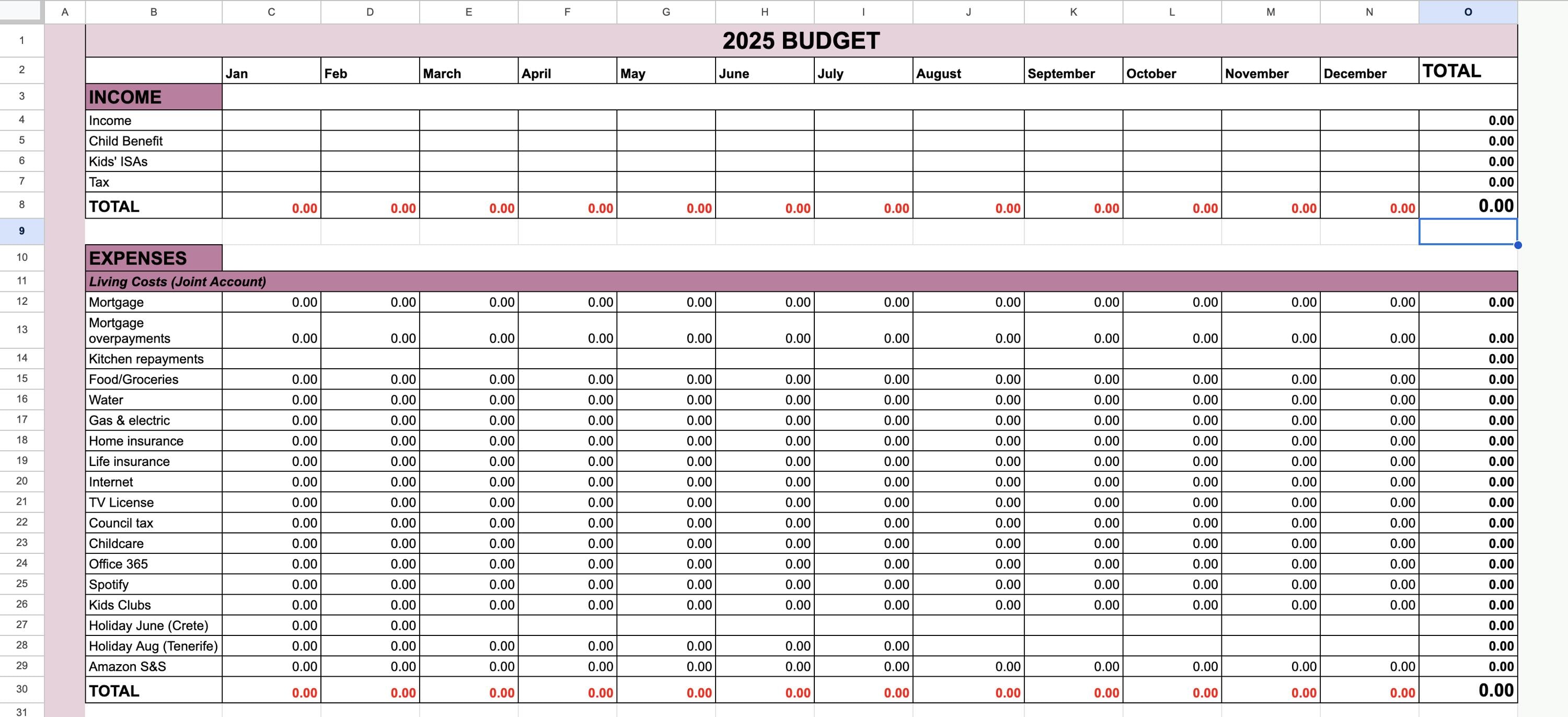
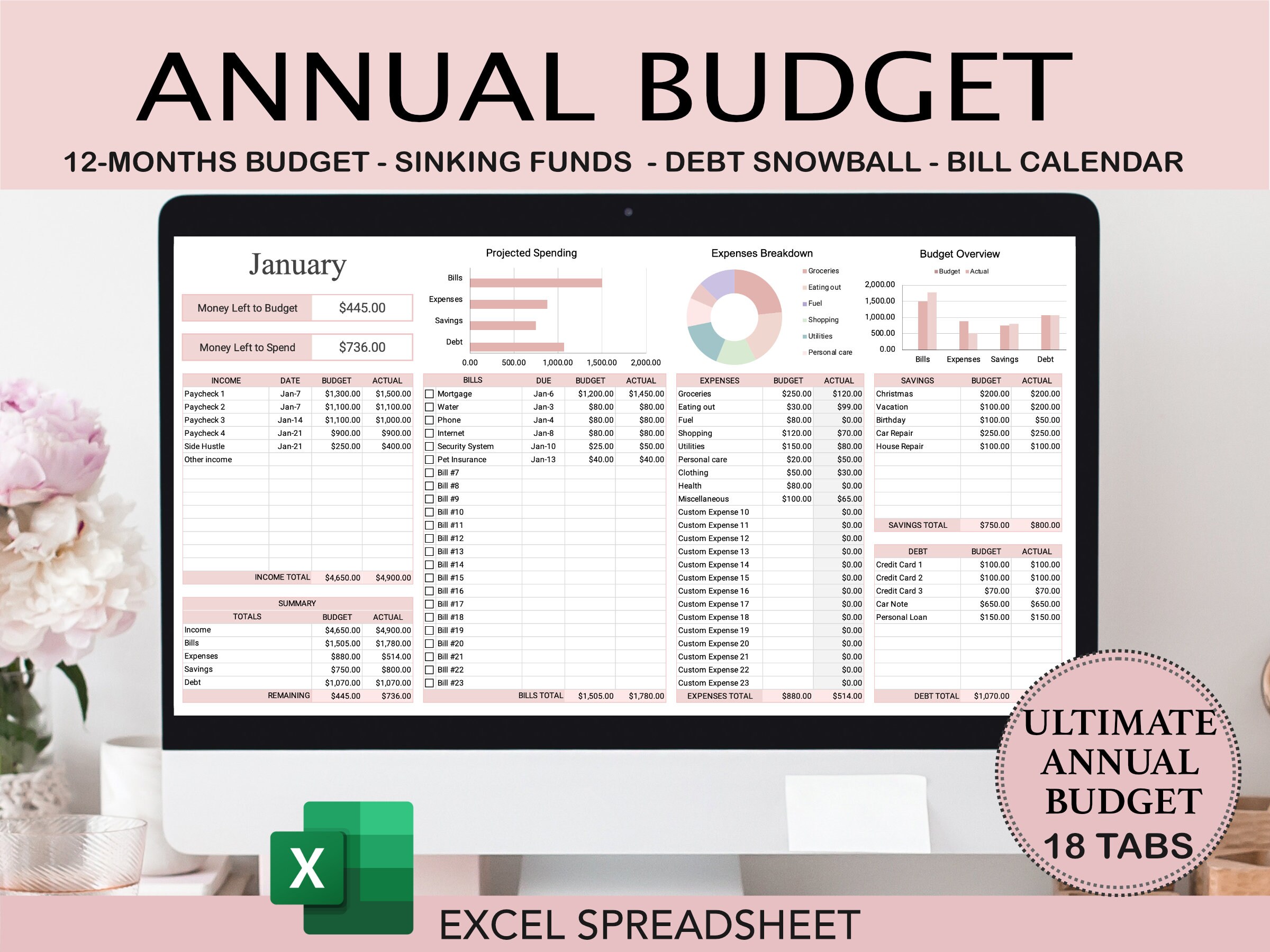
Paper vs. Spreadsheet vs. Digital Calendar
| Method | Best for | Watch out for |
|---|---|---|
| Paper | Visual simplicity | No automatic reminders |
| Spreadsheet | Amounts and calculations | Must be opened regularly |
| Phone calendar | Reminders | Can become cluttered |
| Budget app | Automation | Subscription cost/privacy |
The best tool is the one you will check consistently.
How a Bill Calendar Helps When Money Is Tight
If you cannot pay everything, seeing the calendar lets you understand which obligations are urgent and what consequences may follow.
The CFPB’s guidance for people behind on bills recommends understanding obligations, weighing risks, and contacting creditors instead of ignoring the problem.
A calendar cannot create income, but it can reduce avoidable late fees and help you communicate before a missed payment.
Bill Calendar Example
| Date | Item | Amount | Payment source |
|---|---|---|---|
| 1st | Rent | $1,400 | Reserved from prior 2 checks |
| 5th | Electricity | $110 est. | Paycheck 1 |
| 10th | Car insurance | $95 | Paycheck 1 |
| 16th | Phone | $60 | Paycheck 2 |
| 21st | Credit card | $80 min. | Paycheck 2 |
| 27th | Internet | $65 | Paycheck 2 |
Common Bill Calendar Mistakes
- Listing only fixed bills.
- Forgetting automatic renewals.
- Using due date instead of draft date.
- Not marking paydays.
- Spending money already reserved for future bills.
- Ignoring annual expenses.
- Never reviewing the calendar.
Bill Calendar Setup Checklist
- Review bank statements.
- List every recurring bill.
- Add due dates.
- Add expected amounts.
- Add paydays.
- Assign bills to paychecks.
- Add annual renewals.
- Set reminders.
- Create a small buffer.
- Review weekly.
Frequently Asked Questions
Do I need a budgeting app?
No. A paper calendar or spreadsheet can work very well if you use it consistently.
What if the bill amount changes every month?
Use a conservative estimate and update it when the statement arrives.
Should I put subscriptions on the bill calendar?
Yes. Monthly and annual renewals are real obligations until canceled.
Can I change credit-card due dates?
Some issuers allow it. Contact the provider and confirm the new date before changing your budget.
What if my paycheck arrives after rent is due?
Reserve part of the prior paycheck or build a buffer so the rent money is available before the due date.
Conclusion: Make Due Dates Visible
A bill calendar is one of the simplest budgeting tools because it solves a specific problem: timing. Put income and due dates in one place, reserve large bills gradually, track automatic renewals, and review the next seven days every week.
You do not need complicated software. A clear calendar can reduce late fees, overdrafts, missed renewals, and the stress of wondering what will hit your account next.