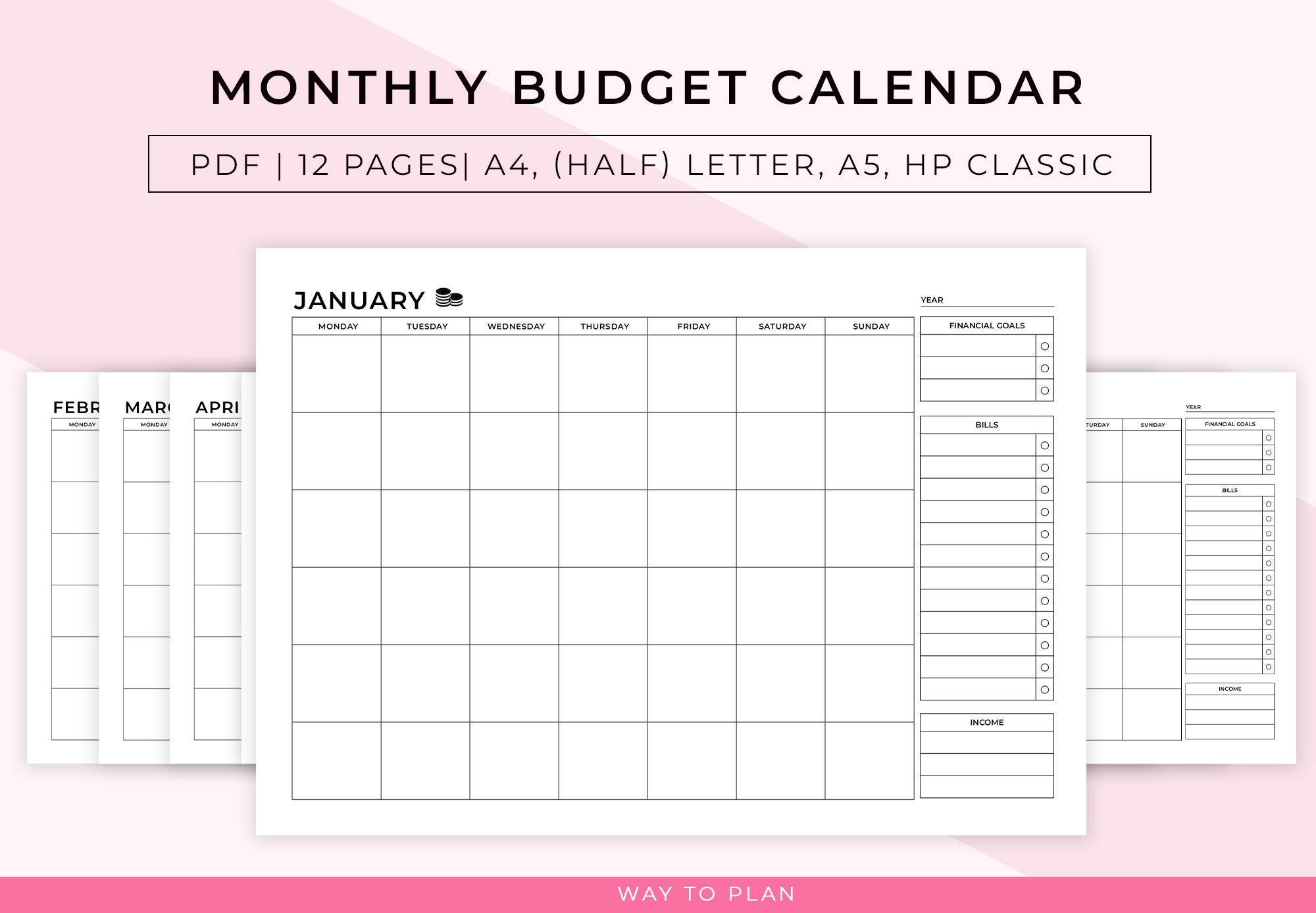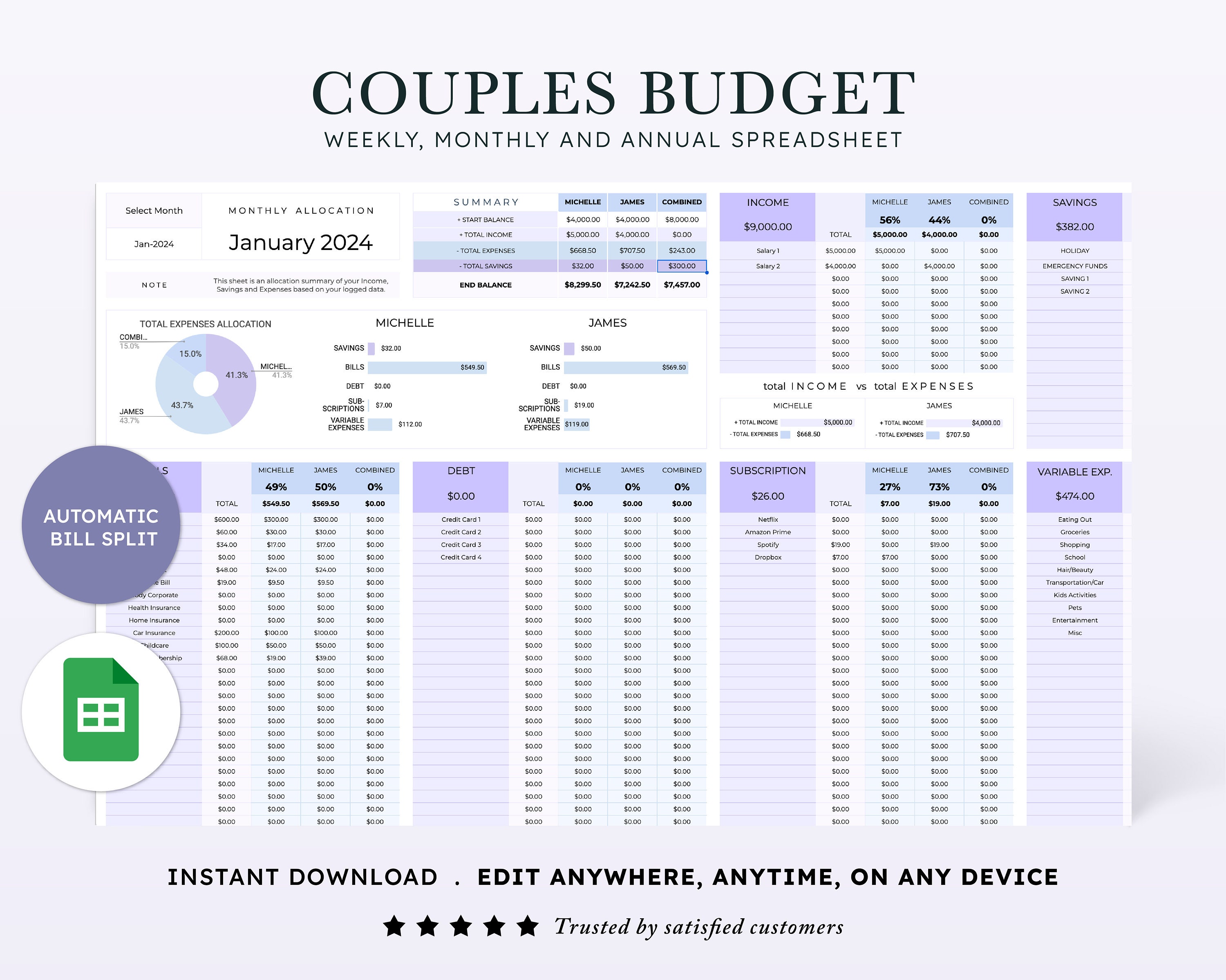
A budgeting app can make money management easier, but the best app for a beginner is not necessarily the one with the longest feature list. It is the one you will understand, trust, and actually use every week. In 2026, strong budgeting tools range from hands-on zero-based budgeting systems to automated spending plans that connect to your accounts and organize transactions for you.
This guide compares practical budgeting apps for beginners using the things that matter most: ease of use, budgeting style, account syncing, shared finances, privacy, and how much attention the app expects from you. Features and subscription prices can change, so always confirm current details on the provider’s official site before paying.

First: Mint Is No Longer a Standalone Budgeting App
Many older “best budgeting app” lists still recommend Mint. That is outdated. Intuit moved popular Mint-style financial tracking features toward Credit Karma after Mint was discontinued as a standalone service. Intuit’s current Mint page describes Mint as having been “reimagined” on Credit Karma and points users toward transaction, spending, and net-worth tracking there.
If you are choosing a budgeting app in 2026, compare products that are actively supported today rather than installing software based on an old review.
What a Beginner Should Look for in a Budgeting App
Before comparing brands, decide how you want to budget. Some people want to assign every dollar before spending it. Others want an app to look at recurring income and bills, then tell them what is available for flexible spending.
- Simple setup: You should be able to create a useful budget without learning accounting terminology.
- Clear categories: Rent, groceries, utilities, transportation, debt, savings, and irregular expenses should be easy to track.
- Manual-entry option: Useful if you do not want to connect financial accounts.
- Reliable syncing: Important if you prefer automatic transaction imports.
- Goal tracking: Helpful for emergency savings, debt payoff, moving costs, or a home fund.
- Shared access: Useful for couples or households managing joint expenses.
- Privacy controls: Read what data the service collects and how it uses connected account information.
- Exportability: Being able to download your data makes it easier to leave a service later.
The Consumer Financial Protection Bureau recommends looking back across several months of actual spending, including irregular expenses, rather than building a budget from guesses. That principle applies whether you use an app, spreadsheet, or paper notebook.
Best Budgeting Apps for Beginners in 2026
| App | Best for | Budgeting style | Beginner trade-off |
|---|---|---|---|
| YNAB | Hands-on planning | Give available money specific jobs | Excellent structure, but requires active participation |
| Quicken Simplifi | Easy spending plan | Income, bills, planned spending and savings | More automated, subscription required |
| Monarch Money | Households and complete financial view | Flexible category/group planning | Broad feature set can be more than a basic user needs |
| PocketGuard | Controlling everyday overspending | Spending limits and available-money view | Best if its simplified framework matches your habits |
| Goodbudget | Envelope budgeting and manual control | Digital envelopes | More manual than bank-sync-first apps |
1. YNAB: Best for Learning a Hands-On Budgeting Method
YNAB is built around intentional planning rather than simply showing where money went after the fact. You assign available money to categories and adjust the plan when priorities change. That makes it useful for beginners who want to learn a repeatable budgeting process rather than rely entirely on automation.
YNAB supports mobile and web access, bank connections where supported, manual entry, and sharing through its household features. Its official pricing page currently lists both annual and monthly subscription options and a free trial, but pricing can change.
YNAB is a good fit if:
- You want to make a plan before spending.
- You need help preparing for irregular expenses.
- You are willing to review the budget regularly.
- You prefer a method that can work even when income varies.
YNAB may not be ideal if:
You want a mostly passive dashboard that automatically tells you how you are doing without much ongoing interaction. YNAB is most valuable when you actively use its planning method.

2. Quicken Simplifi: Best for an Easy Automated Spending Plan
Quicken Simplifi is designed around a Spending Plan that organizes income, recurring bills, savings goals, planned spending, and other spending. Quicken’s 2026 help documentation explains that the plan updates as transactions come in and shows how much is left after key expenses.
This approach can be easier for someone who does not want to assign every dollar manually. You still need to review transactions and recurring items, but much of the ongoing organization can be automated after setup.
Simplifi is a good fit if:
- You want account syncing and automatic transaction updates.
- You prefer to see what remains after bills and planned expenses.
- You want savings goals inside the same system.
- You want web and mobile access.
Quicken lists Simplifi as a paid subscription. Promotional pricing changes frequently, so check the official pricing page rather than relying on a price copied into an old article.
3. Monarch Money: Best for Couples and a Full Financial Dashboard
Monarch Money combines budgeting with account aggregation, goals, investment tracking, reporting, and collaboration. Its current product information emphasizes household collaboration and the ability to invite partners or other collaborators without creating completely separate financial views.
That makes Monarch useful for couples who want to see separate and joint accounts in one place while planning household spending together. It can also suit users who want budgeting and net-worth tracking in the same product.
Monarch is a good fit if:
- You manage money with a spouse or partner.
- You want spending, accounts, investments, and goals in one dashboard.
- You value detailed reports and customizable categories.
- You prefer an ad-free paid product.
For someone who only needs a very basic monthly budget, its broad feature set may feel unnecessary. Start with the simplest tool that solves your actual problem.

4. PocketGuard: Best for a Simplified Everyday Spending View
PocketGuard is designed around helping users understand bills, budgets, and what is available to spend. It is a useful option for beginners who are less interested in a highly detailed planning system and more interested in controlling day-to-day overspending.
As with any linked-account app, confirm which financial institutions are supported before subscribing. Sync reliability can depend on the bank, account type, and data provider, and no budgeting app can fix an account connection that is not supported properly.
5. Goodbudget: Best for the Digital Envelope Method
Goodbudget turns the traditional envelope system into digital spending categories. Instead of placing cash into physical envelopes, you allocate money to categories such as groceries, transportation, utilities, and entertainment.
This can be a strong beginner option if you like the logic of envelope budgeting but do not want to carry cash. Goodbudget also works well for people who prefer more manual involvement and do not want every financial decision automated.
If the envelope approach interests you, read our detailed envelope budgeting system guide.
Which App Is Best If Your Income Is Low or Irregular?
When income is tight, the best budgeting app is the one that helps you protect essentials and prepare for uneven expenses. Do not choose a budgeting system that assumes every month looks identical if your income changes from week to week.
Start by identifying four layers:
- Must-pay essentials: housing, basic utilities, food, medication, essential transportation.
- Minimum debt obligations: required payments that protect accounts from delinquency.
- Irregular but predictable costs: car maintenance, school expenses, annual fees, clothing, insurance.
- Flexible spending and goals: entertainment, eating out, optional shopping, extra savings or debt payments.
A tool like YNAB can help you allocate money as it arrives. A spending-plan app can help you see the amount remaining after predictable expenses. The method matters more than the brand.
Do You Need to Link Your Bank Account?
No. Automatic syncing saves time, but manual budgeting remains a valid option. Some people prefer manual entry because it increases awareness of each transaction or because they are not comfortable sharing account-access data with another service.
If you connect accounts, review the provider’s privacy and security information, use a unique password, enable multi-factor authentication when available, and periodically remove connections you no longer use. Never give a budgeting app credentials outside its official login or account-linking flow.
Free vs. Paid Budgeting Apps
A free app is not automatically better for someone on a tight budget, and a paid app is not automatically worth the subscription. Compare the annual cost with the value you realistically expect to receive.
A paid app may be worth considering if it helps you avoid recurring overdraft fees, cancel unused subscriptions, prepare for irregular bills, or consistently save more than the subscription costs. But if a notebook, spreadsheet, bank app, or free envelope tool already works, there is no need to pay merely because a product has more features.

How to Set Up Any Budgeting App in 30 Minutes
- Enter monthly take-home income. If income varies, use money already received or a conservative baseline rather than an optimistic month.
- Add fixed essentials. Rent, insurance, phone, utilities, loan minimums, and subscriptions.
- Estimate flexible essentials. Groceries, fuel, transit, medication, household supplies.
- Add irregular expenses. Divide annual or quarterly expenses into monthly targets.
- Create one savings goal. Start with an emergency buffer if you do not already have one.
- Review the previous 60–90 days. Correct categories so the app learns from realistic spending.
- Schedule a weekly review. Ten minutes every week is often more useful than one long review after overspending has already happened.
Our step-by-step monthly budget guide can help you build the numbers before choosing an app.
Privacy and Security Checklist
- Download the app only from the official website or official app store.
- Confirm the developer name before signing in.
- Use a unique password and multi-factor authentication where supported.
- Read the privacy policy before linking accounts.
- Check whether the service sells or shares data for advertising purposes.
- Remove old bank connections if you stop using the app.
- Review imported transactions for errors or duplicates.
- Do not assume a budgeting app is financial advice or a bank.
Common Beginner Mistakes With Budgeting Apps
Using too many apps
If three apps categorize the same transactions differently, you may spend more time reconciling dashboards than managing money. Choose one primary budgeting system and give it a fair trial.
Creating a fantasy budget
A budget that assumes you will suddenly spend half as much on groceries or transportation is unlikely to survive. Start from recent real spending and reduce categories gradually.
Ignoring irregular expenses
Car repairs, school costs, medical bills, gifts, annual subscriptions, and clothing can make a “perfect” monthly budget fail. Treat predictable irregular costs as part of the budget.
Watching the dashboard without changing behavior
Tracking spending is useful only if you use the information to make decisions. If a category is consistently over budget, change the amount, change the behavior, or both.
What About the 50/30/20 Rule?
The 50/30/20 framework can be a starting point, but it is not a law. In a high-rent area or on a low income, essentials may consume much more than 50% of take-home pay. Use the framework to understand trade-offs rather than judge yourself against a percentage that may not fit your reality.
See our 50/30/20 budget rule explanation for examples and alternatives.

Frequently Asked Questions
What is the easiest budgeting app for a complete beginner?
Quicken Simplifi can be easier for someone who wants an automated spending-plan approach, while Goodbudget can be straightforward for someone who understands the envelope method. YNAB has a stronger learning method but expects more active participation.
What replaced Mint?
Mint is no longer a standalone budgeting service. Intuit moved some popular Mint-style spending and net-worth features to Credit Karma. Users who want a dedicated budgeting system should compare current products such as YNAB, Simplifi, Monarch, PocketGuard, and Goodbudget.
Are budgeting apps safe?
Reputable apps use security controls, but no online service is risk-free. Review the provider’s current security and privacy practices, use strong authentication, and link only the accounts you need.
Can I budget without connecting my bank?
Yes. Manual transaction entry, spreadsheets, and envelope methods can work well. Automation is a convenience rather than a requirement.
Is paying for a budgeting app worth it?
It can be if the app saves more money or time than it costs and you use it consistently. If a free tool already keeps you organized, paying for more features may not improve your results.
Conclusion
The best budgeting app for beginners in 2026 depends on how you want to interact with your money. Choose YNAB if you want a structured, hands-on planning method; Simplifi if you prefer an automated spending plan; Monarch if you want household collaboration and a broad financial dashboard; PocketGuard if you want a simplified everyday spending view; or Goodbudget if digital envelopes make sense to you.
Whichever app you choose, build the budget from real spending, include irregular expenses, protect essential bills first, and review the plan regularly. The app is only the tool—the useful result is a money system you can understand and maintain.